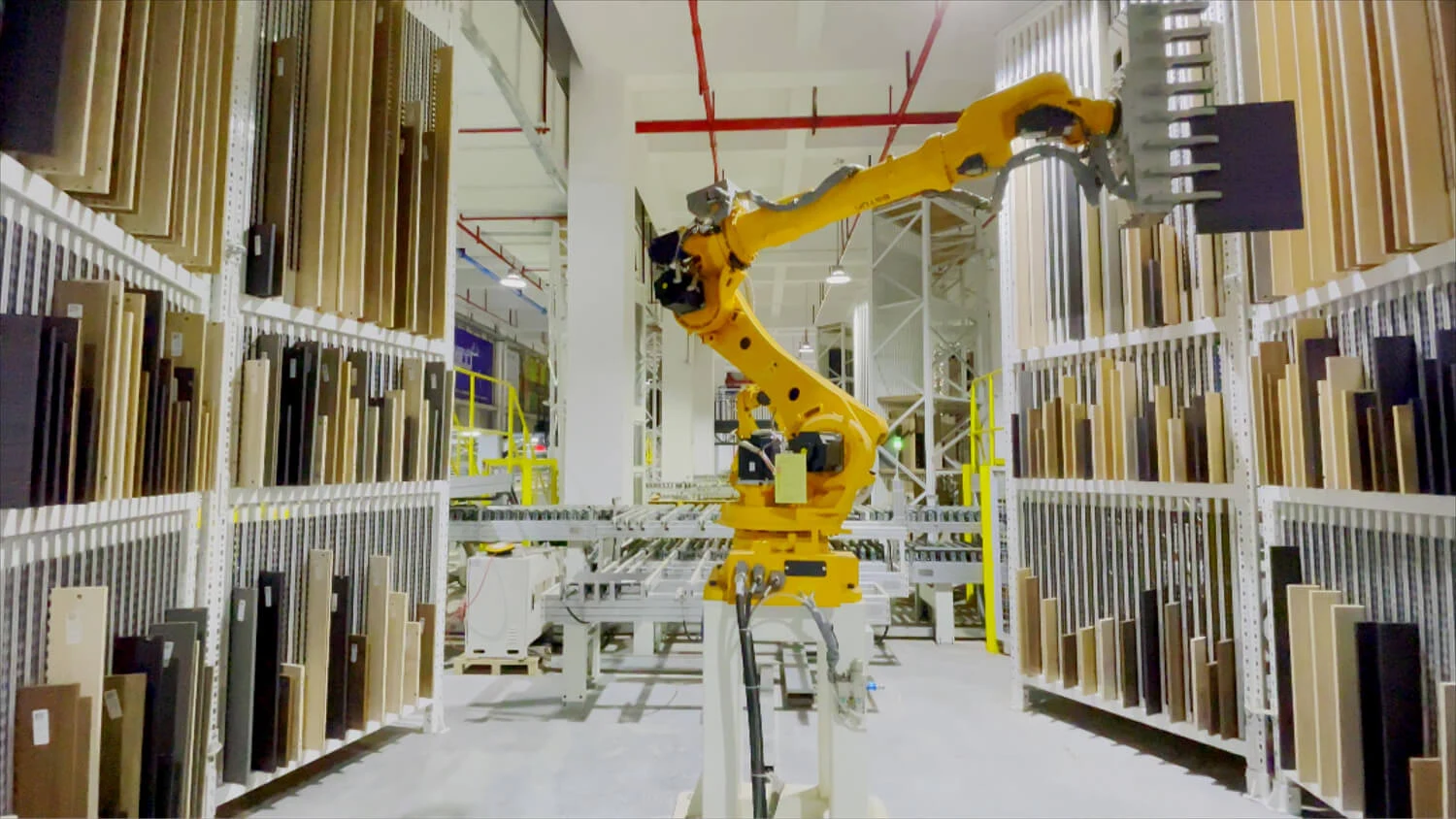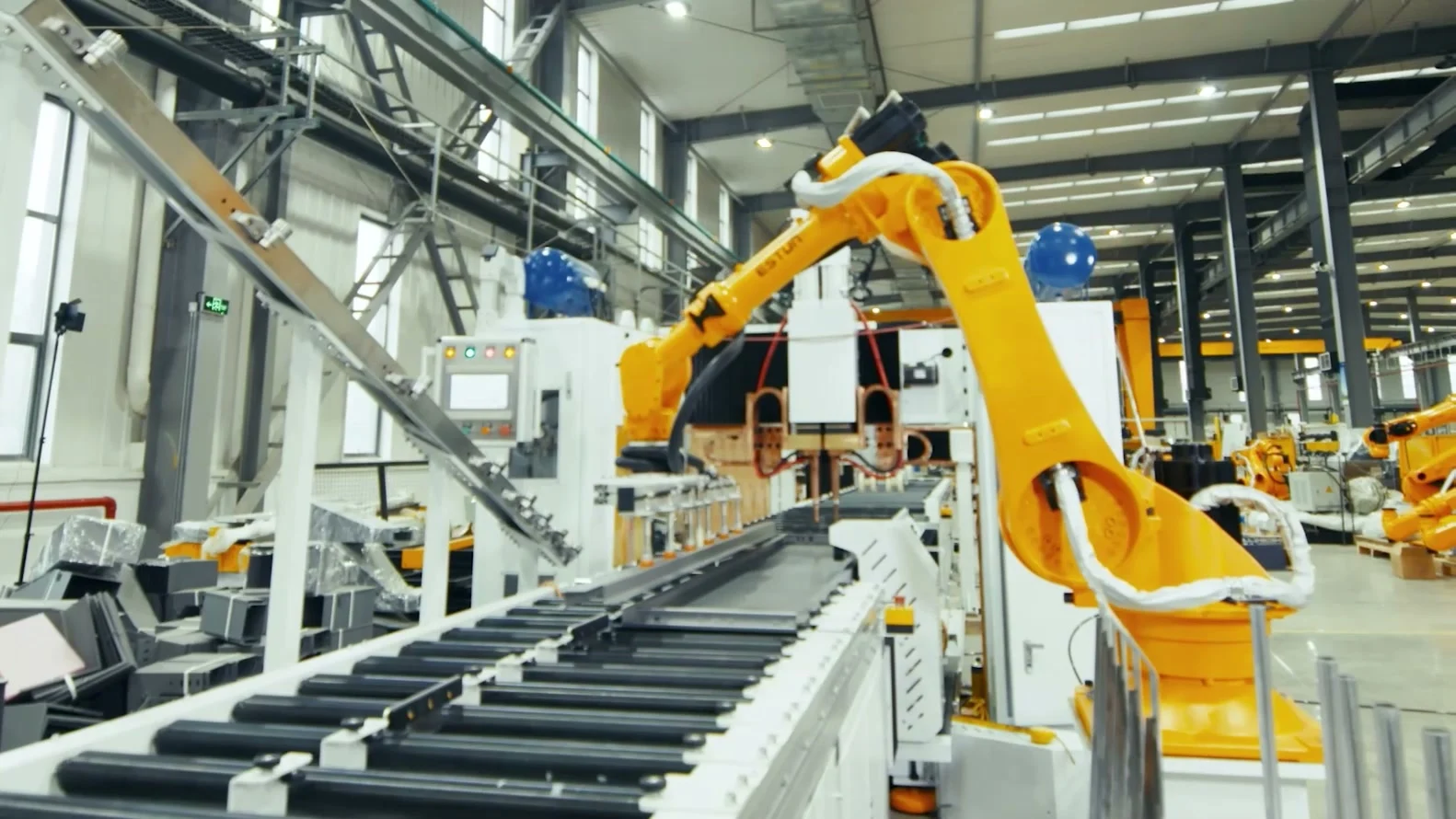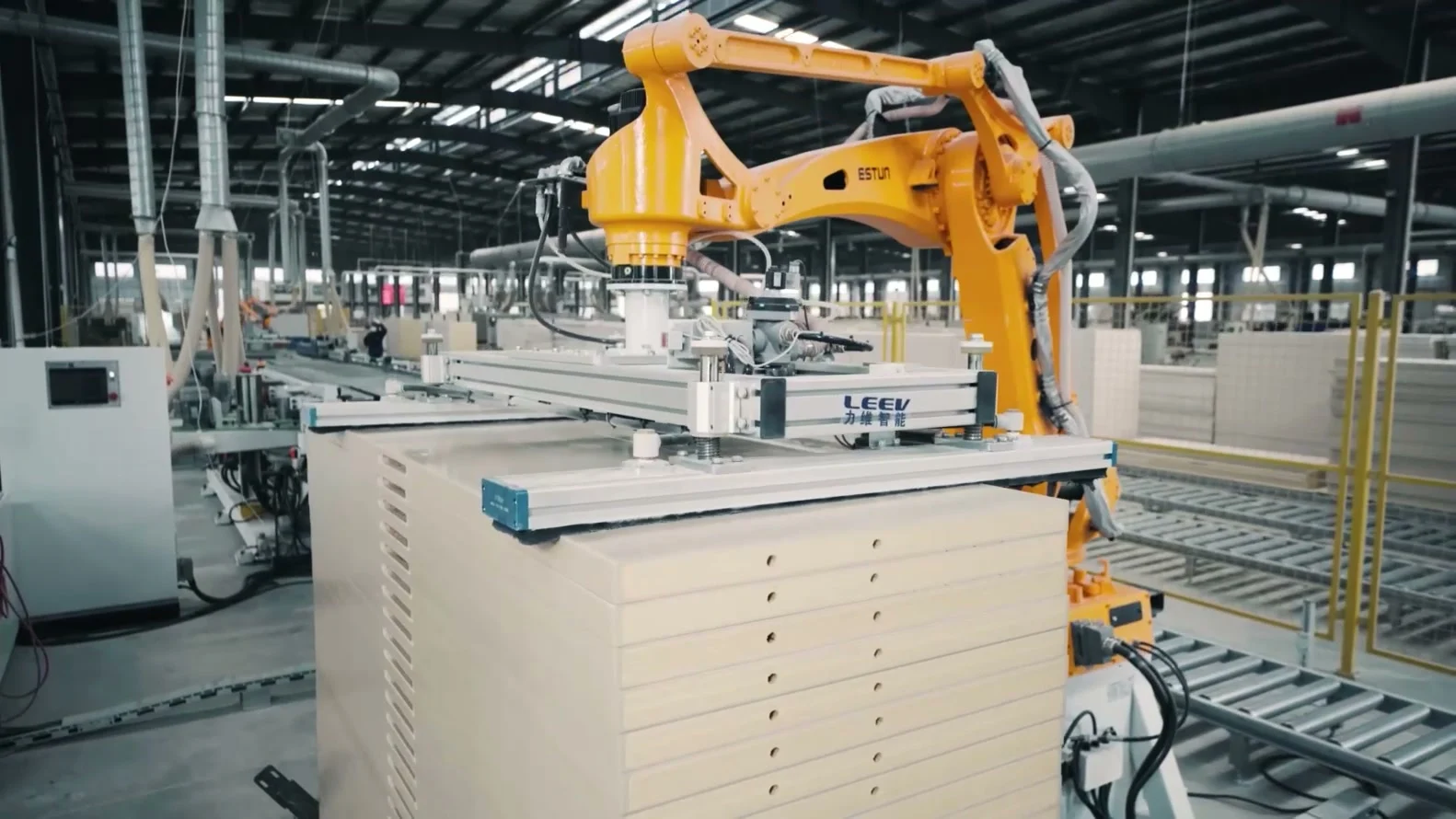
Maintenance covers the robot and the equipment needed for its cycle. An unavailable gripper, camera or conveyor can stop the cell. The maintenance plan should identify this equipment, applicable tasks and authorised participants.
Build the plan from the actual cell
The inventory separates arm, controller, tool, pneumatic or electrical supply, vision, automation and peripherals. Associate each device with its reference, version, manual and identified wear parts. The acceptance file provides a baseline to confirm on site.
ESTUN’s European support page provides a route for assistance and maintenance requests. Applicable operations, parts and conditions must be confirmed for the installed product. A support page does not establish a project response-time commitment.
Assign tasks and their conditions
For each task, obtain conditions, intervals and required competence from the manual. Specify safe isolation, access, consumables and execution records. Do not transfer intervals from another model or environment.
Universal Robots e-Series documentation separates arm, control-box and software inspection. This organisation illustrates a useful plan structure without defining ESTUN robot tasks. The selected program remains based on the manuals and conditions of the actual cell.
Keep observations useful for diagnosis
Record faults with their date, cycle phase, recipe, messages and actions taken. Where possible within the agreed scope, retain logs before they are overwritten. A description such as intermittent stop needs the observed conditions.
A change in noise, gripping or position calls for investigation. It does not establish a mechanical or software cause on its own. Diagnosis connects symptoms with checks and available data before a repair decision.
Distinguish the items to retain
The backup register describes relevant robot programs, installation data, recipes, tool settings, vision calibration and PLC projects. For each item, identify the device, version, date, method and authorised storage location. Access rights and holders should be known.
Universal Robots documents support-file collection separately from data backup. A support file may contain logs and configuration information without establishing complete restoration. Check the required contents against the controller procedure and version.
Also check that the intended people can locate and read the files. Verification should follow site access rules and preserve the reference copy.
Prepare and verify recovery
The recovery procedure identifies hardware and software compatibility, required files and the person authorised to restore them. Plan a suitable window to verify this capability under agreed conditions. Reading a filename does not establish usability.
Following restoration or replacement, checks may cover coordinate frames, tool, load, recipes, interfaces and affected protective functions. Their scope depends on the actual intervention. Production resumes after the checks and authorisation required by the site.
Define the service and keep records current
The quotation defines maintenance, training and assistance coverage. Identify contacts, access conditions and responsibility for retaining files. Available parts, timescales and intervention arrangements require confirmation within that scope rather than inference from a catalogue.
After an approved change, update the relevant register and backups. Retain the previous delivered state under site rules with its status. Anyone taking over the cell should be able to identify the currently authorised configuration.
Common questions
Points to clarify.
Can one maintenance interval cover every robot?
Tasks and intervals depend on the model, manual and operating conditions. Build the plan for the actual cell.
Who retains the backups?
The project should name the holder, authorised people and update rules. Document handover of the agreed files.
Does maintenance include guaranteed availability?
No availability level or response time is assumed. Any commitments must appear in the quotation conditions.